
Drag and drop website builder javascript library.
Built with jQuery and Bootstrap 5.
Drag and drop website builder javascript library.
Built with jQuery and Bootstrap 5.
Website | Documentation | Forum | Twitter
## [Live Demo](https://www.vvveb.com/vvvebjs/editor.html) For a full featured open source CMS using VvvebJs check [Vvveb CMS](https://www.vvveb.com) Using [Vvveb landing page template](https://github.com/givanz/landing) for demo page and Bootstrap 5 sections and blocks.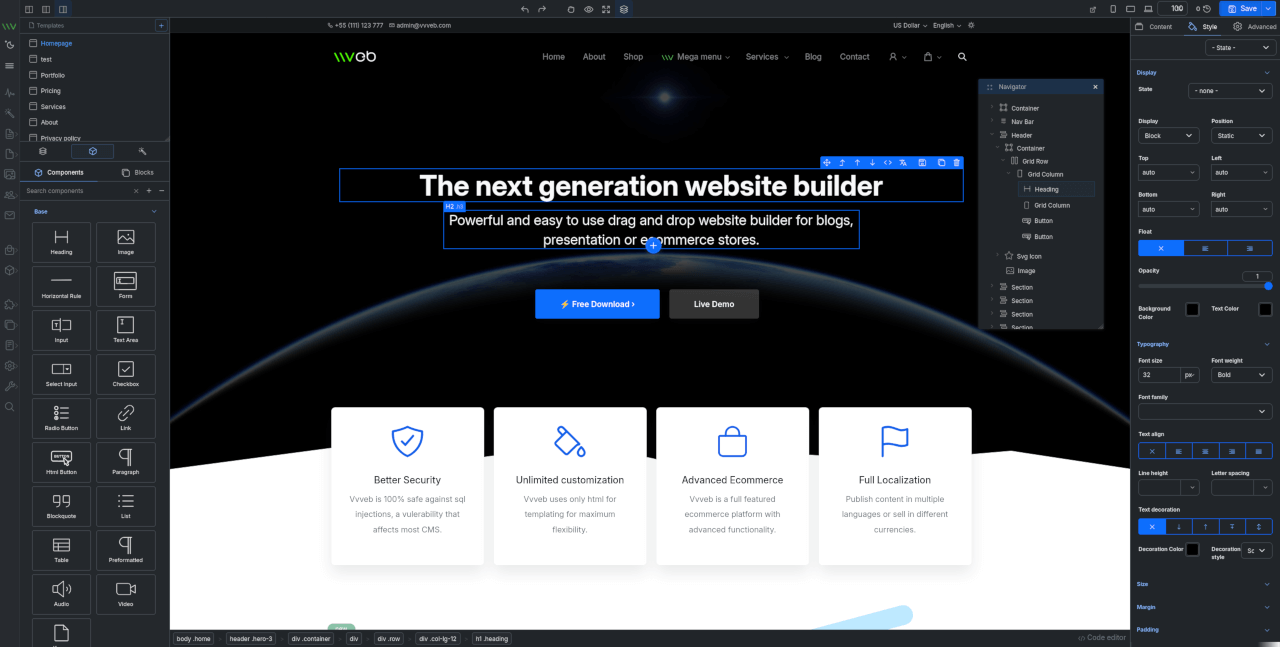
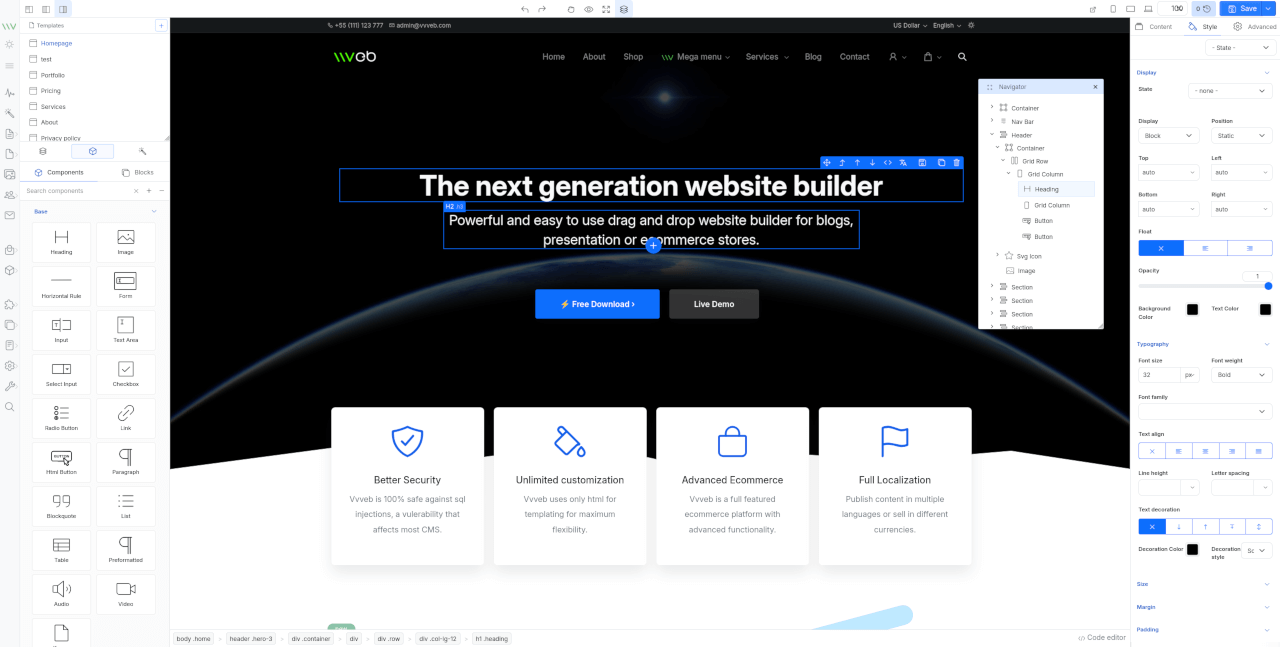 ### Features
* Components and blocks/snippets drag and drop and in page insert.
* Undo/Redo operations.
* One or two panels interface.
* File manager and component hierarchy navigation.
* Add new page modal with template and folder options.
* Live code editor with codemirror plugin syntax highlighting.
* Image upload with example php script included.
* Page download or export html or save page on server with example php script included.
* Components/Sections/Blocks list search.
* Bootstrap 5 components.
* Media gallery with integrated CC0 image search and server upload support.
* Image, video and iframe elements resize handles.
* Elements breadcrumb for easier parent elements selection.
* Full Google fonts list support for font selection.
* Youtube, Google maps, Charts.js etc widgets.
* Optional CKEditor plugin to replace builtin text editor.
* Zip download plugin to download the page and all assets as zip file.
* SVG Icon component bundled with hundreds of free icons.
* Animate on scroll support for page elements.
* Theme global typography and color pallette editor.
By default the editor comes with Bootstrap 5 and Widgets components and can be extended with any kind of components and inputs.
## Install
Clone the repository or download a release then open `editor.html`
Because of browser iframe security you need to use a webserver such as xampp and open `http://localhost/editor.html`
To use the image upload or page save feature you need to have php installed.
#### Scss
To compile scss to css first install gulp
```bash
npm i
```
Then you can run
```bash
npm run gulp
```
or use watch to compile on file change.
```bash
npm run gulp watch
```
## Usage
```js
### Features
* Components and blocks/snippets drag and drop and in page insert.
* Undo/Redo operations.
* One or two panels interface.
* File manager and component hierarchy navigation.
* Add new page modal with template and folder options.
* Live code editor with codemirror plugin syntax highlighting.
* Image upload with example php script included.
* Page download or export html or save page on server with example php script included.
* Components/Sections/Blocks list search.
* Bootstrap 5 components.
* Media gallery with integrated CC0 image search and server upload support.
* Image, video and iframe elements resize handles.
* Elements breadcrumb for easier parent elements selection.
* Full Google fonts list support for font selection.
* Youtube, Google maps, Charts.js etc widgets.
* Optional CKEditor plugin to replace builtin text editor.
* Zip download plugin to download the page and all assets as zip file.
* SVG Icon component bundled with hundreds of free icons.
* Animate on scroll support for page elements.
* Theme global typography and color pallette editor.
By default the editor comes with Bootstrap 5 and Widgets components and can be extended with any kind of components and inputs.
## Install
Clone the repository or download a release then open `editor.html`
Because of browser iframe security you need to use a webserver such as xampp and open `http://localhost/editor.html`
To use the image upload or page save feature you need to have php installed.
#### Scss
To compile scss to css first install gulp
```bash
npm i
```
Then you can run
```bash
npm run gulp
```
or use watch to compile on file change.
```bash
npm run gulp watch
```
## Usage
```js